What you can do
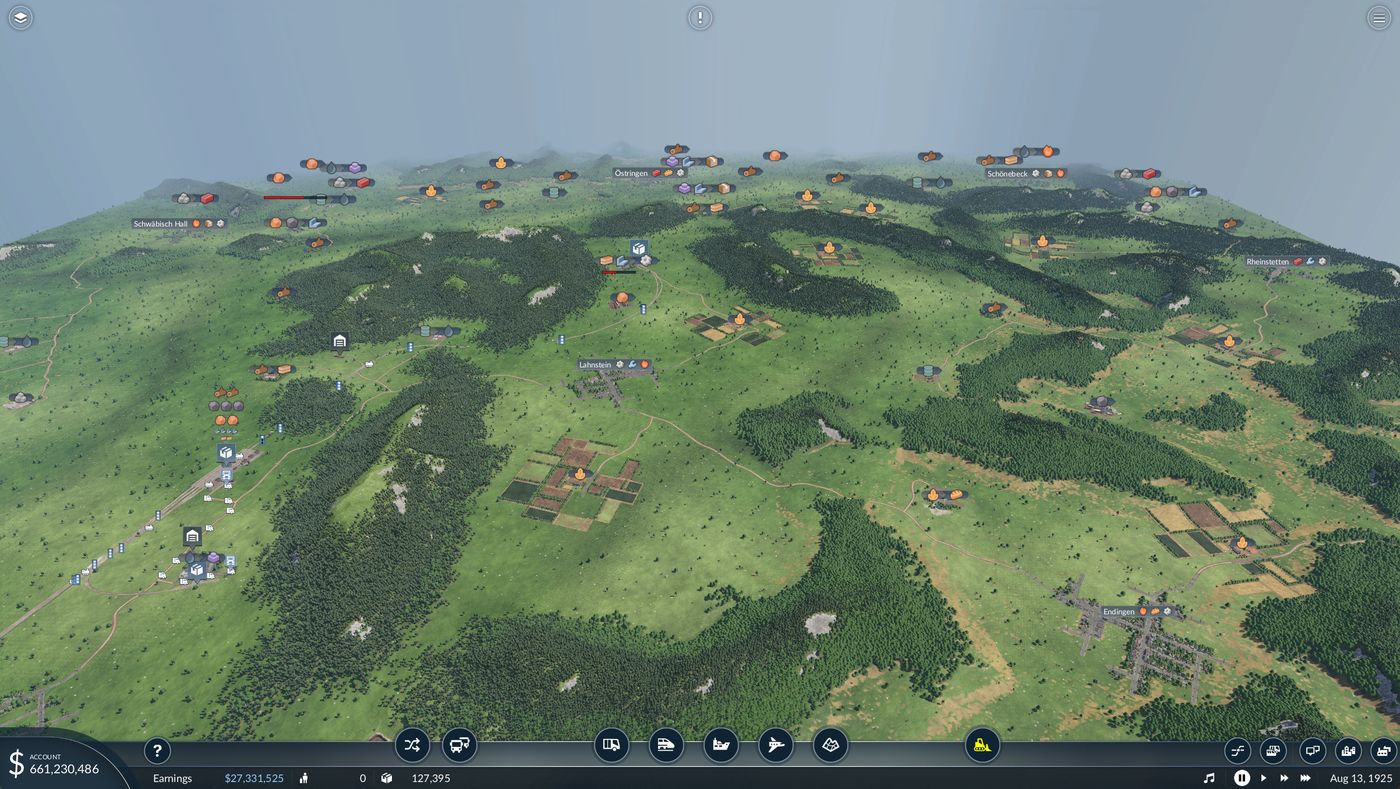
It is the game you already know, with friends in it. No separate client, no dedicated server to rent.
Build side by side
Lay track, draw roads, place stations and depots, buy vehicles and set up lines. Everyone sees the result the moment it happens.
Share a company, or compete
Run one company together with one bank balance, or give each player their own company and money on the same map.
Start from the title menu
Host a game and send the code, join a friend's, or pick one from the public list. A relay server helps when nobody can open a port.
How a click reaches everyone
Transport Fever 2 has no network code, so the mod keeps every copy of the world identical instead: the same commands, applied at the same moment of the simulation, on every computer.
Under the hood, a small DLL loads alongside the game, captures each command before it applies, and hands it to a game-script mod that replays it on schedule. A separate lobby program connects the players, encrypts their traffic and sends the save. The architecture notes go into detail.
Download and play Transport Fever 2 multiplayer
- Download
TpF2Multiplayer.msifrom the latest GitHub release. Everyone in a session needs the same version. - Close the game and run the installer. It finds Transport Fever 2 through Steam and adds the multiplayer files and mod.
- Host or join. On the title menu, open Multiplayer. The host shares the code; friends paste it and join, then everyone loads the shared save.
This is an unofficial, experimental project. Sessions of up to four players have been played, on one PC and across the internet. Keep backups of your saves and read the known issues first.
Code signing policy
Releases are currently unsigned. Before running the installer, check its SHA-256 checksum against the one in the release notes.
The project intends to apply to the SignPath Foundation for free code signing of its Windows installer and DLLs. If the application is accepted, signed releases will carry the notice: Free code signing provided by SignPath.io, certificate by SignPath Foundation.
Signed files would be built only from this project's public source repository, by an automated build that is still being set up. Committer and approver: the project maintainer, silver2127, who would approve every signing request.
Everything the software sends over the network, to whom, and what is kept is listed in the privacy policy.
Transport Fever 2 multiplayer: questions
Does Transport Fever 2 have multiplayer?
Not built in. Transport Fever 2 ships as a single-player game. TpF2 Multiplayer is a free, open-source mod that adds real multiplayer: several players share one world and build in it at the same time.
How do I play Transport Fever 2 multiplayer?
Install the mod on every player's PC, start the game, and open Multiplayer from the title menu. One player hosts and shares a code or lists the game publicly; the others join with the code or from the server list. The host's save is sent to everyone automatically.
Is the Transport Fever 2 multiplayer mod free?
Yes. It is open source under the MIT licence, and there is nothing to buy. It needs the Steam version of Transport Fever 2 on Windows, or the Windows game under Proton on Linux and Steam Deck.
Can we play with separate companies?
Yes. A session can share one company or give every player their own, with station permissions deciding whose vehicles may stop where.
Can I host a dedicated server?
Yes. A dedicated server is a copy of the game that keeps a world running around the clock, so players can join and leave without anyone hosting. Run it on a spare Windows PC, or on a Linux server or VPS with the server package from the release. It is listed as a dedicated server in the in-game game list. See Hosting a dedicated server.